
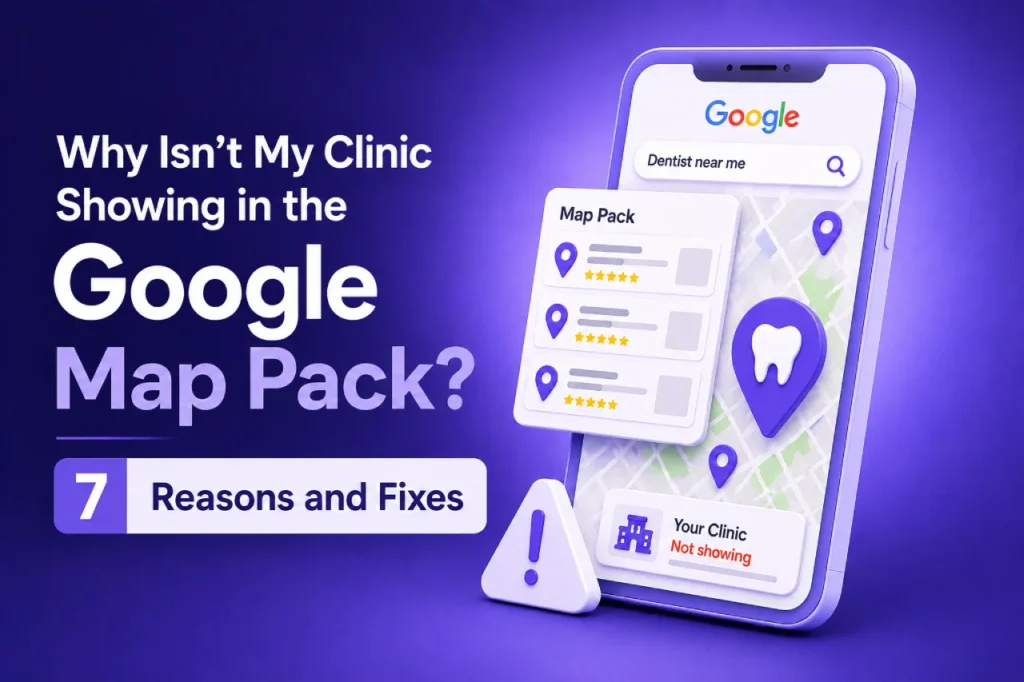
If your clinic isn’t appearing in the Google Map Pack, the cause is almost always fixable. Most of the time it comes down to profile eligibility, an ineligible address or service area, or inconsistent NAP details somewhere across the web. When it isn’t one of those three, it’s usually the wrong category, a weak review profile, thin local signals on the website, or a duplicate or suspended listing sitting quietly in the background.
Work through them in the order below. Most UK clinics find the actual cause within the first three or four checks, not the last one, so there’s rarely any need to rebuild your entire local SEO setup from scratch.
What’s the Fastest Way to Check Why My Clinic Isn’t on Google Maps?
Before working through all seven reasons, run a two-minute diagnostic. Search your clinic’s exact name in an incognito browser window, open Google Maps directly, and log into your Google Business Profile dashboard to check for alerts or warnings. What you find points toward the likely cause.
| What You See | Likely Cause |
|---|---|
| Profile doesn’t appear anywhere, even searching your exact name | Never verified, or suspended (Reasons 1 and 7) |
| Profile appears on Maps, but not the local 3-pack for treatment searches | Category or relevance issue (Reasons 4 and 6) |
| Two or more listings appear for your clinic | Duplicate profile (Reason 7) |
| Address, phone or name differs between your website and Google | NAP inconsistency (Reason 3) |
| Profile looks fine but has very few or old reviews | Prominence/review issue (Reason 5) |
| You rank in your own town but not a nearby one | Proximity, largely structural (Reason 2) |
1. Is Your Google Business Profile Actually Verified and Eligible?
Google only shows Business Profiles for organisations that meet its eligibility rules: a genuine physical location patients can visit, or a service that travels to the customer. A profile that was never taken through verification, or one built around a virtual office or a shared reception desk with no proper signage, often sits inactive in Google’s system rather than appearing anywhere.
How to check: log into business.google.com and look for a banner marked “Verify now”, or any status showing as pending. An unverified profile can technically exist without ever showing publicly.
Fix: complete verification through Google’s current method for your clinic, typically postcard, phone, email or video, and treat a pending status as unresolved until it clears.
2. Does Your Address or Service Area Meet Google’s Rules?
An address has to pass a fairly specific test before it’s eligible for a Google Business Profile: could a patient genuinely walk in and be seen during your stated opening hours? A serviced office, a therapy room hired by the hour, or a home address with no signage can fall outside Google’s guidelines for representing a business, even when the clinic itself is entirely legitimate.
How to check: compare your listed address against Google’s published guidance on physical locations and virtual offices. If patients can’t visit and be seen by staff there during your listed hours, it’s worth reviewing.
Fix: if the address is genuine, check that the signage and reception actually match what’s listed. Mobile or multi-site practitioners should set the profile up properly as a service-area business, rather than pinning an address nobody staffs.
3. Is Your Name, Address and Phone Number Consistent Everywhere?
Consistency is something Google checks quietly in the background, cross-referencing your website, healthcare directories and other citation sources to build confidence that a listing is genuine. A clinic called “Riverside Physiotherapy” on Google but “Riverside Physio Clinic Ltd” on its own website, or a phone number left unchanged after an office move, creates exactly the kind of mismatch that quietly undermines trust rather than triggering an obvious error message.
How to check: search your clinic name, then look at your website footer, your Google Business Profile and a couple of directories (an NHS service finder or a local health directory works well) to see whether the details actually line up.
Fix: pick one exact version of your business name, address and phone number, then work through your website and each directory correcting anything that doesn’t match, including old or duplicate citations you’d otherwise leave alone.
4. Have You Chosen the Right Primary and Secondary Category?
Of everything inside a Google Business Profile, category selection tends to carry the most weight for relevance, the part of Google’s local algorithm that decides whether your profile is even a candidate for a given search. A physiotherapy clinic sitting under a broad category rather than a treatment-specific one, or a chiropractic clinic that never adds relevant secondary categories, is effectively telling Google it isn’t a strong match for those searches.
How to check: open the Business Information tab in your Google Business Profile and review your primary category alongside any secondary categories you’ve added. Search for your clinic type in the category picker to see what’s genuinely available.
Fix: set the most specific and accurate primary category your clinic type allows, then add secondary categories that reflect real additional services, not ones that don’t apply.
5. Do You Have Enough Recent, Genuine Reviews?
Prominence, one of Google’s three core local ranking factors alongside relevance and distance, leans heavily on reviews: how many you have, how recent they are, and whether you’ve replied. A clinic with a handful of reviews from several years back, or a run of unanswered negative ones, tends to look far less established to Google than a comparable clinic collecting a steady trickle of recent feedback.
How to check: look at your total review count, the date of your most recent reviews, and whether recent reviews have a reply from the clinic.
Fix: build a simple, policy-compliant habit of asking genuine patients for a review shortly after treatment, and reply to every review you get, good or bad, rather than relying on reviews from years ago.
6. Does Your Website Send Strong Enough Local Relevance Signals?
Your website plays a bigger part in this than most clinics assume. Google reads it to confirm what you actually do and where, not just what your Business Profile claims. A vague homepage doesn’t help here, and neither does a website with no dedicated page for individual treatments. Skip any genuine mention of the town or area you serve as well, and Google is left with far less to work with when it tries to match your profile to a local search.
How to check: see whether your website has a distinct page for each core service, such as sports injury physiotherapy or chiropractic care for back pain, with your location mentioned naturally in the content rather than just tucked into the footer.
Fix: build or improve dedicated local service pages that match the categories and services on your Google Business Profile, so both systems tell Google the same story about your clinic.
If working through categories, NAP and website signals feels like more than a spare half hour allows, that’s usually the point at which a proper Google Business Profile audit saves more time than it costs.
7. Is Your Profile Duplicated, Suspended or Disabled?
Only one listing is allowed per physical location under Google’s guidelines. A second one sometimes appears after a clinic moves premises without properly updating the original, after a previous agency created a fresh profile instead of claiming the existing one, or following a rebrand. Separately, profiles can be suspended or disabled entirely for policy issues, most commonly a keyword-stuffed business name, an ineligible address, or an unexplained major edit to the business name or location.
How to check: search your clinic name and address on Google Maps to see whether more than one listing appears, and log into business.google.com to check for a “Suspended” or “Disabled” notice.
Fix: mark any genuine duplicate as closed, keeping the listing with the most reviews and history active. For a suspension, correct the underlying policy issue first, then submit one clear reinstatement request rather than creating a replacement profile, since a new listing usually complicates recovery.
People Also Ask
How long does it take for a clinic to appear in the Map Pack after fixing these issues?
A corrected category or a NAP fix on an existing profile usually shows up within a few days to a couple of weeks. Suspensions and duplicates take longer, because Google reviews them manually, so budget for several weeks rather than days.
Can a clinic have more than one Google Business Profile?
No. Google’s guidelines allow one profile per physical location. If you run more than one site, each genuine location needs its own separately verified profile, rather than several listings stacked against a single address.
Does my clinic need a physical address to appear on Google Maps?
Not necessarily. A mobile physiotherapist or a practitioner who travels to patients can set their profile up as a service-area business, hiding a home or office address from public view while still defining the areas they cover.
Will more reviews fix a category or NAP problem on their own?
No. Reviews feed into prominence, but they won’t make up for eligibility, category or consistency problems. If a profile isn’t eligible, correctly categorised, or consistently listed elsewhere, extra reviews alone won’t bring it into the map pack.
Getting a Clear Answer on Your Own Clinic
Most clinics working through this list get through five or six of the seven checks on their own without much difficulty. The remaining one or two, usually something buried in the category settings or a duplicate that’s gone unnoticed for months, tend to need a second pair of eyes and a proper look at the account behind the profile.
A useful next step is a short local visibility check: a quick, no-obligation look at your eligibility status, categories, NAP consistency and review profile, with a plain answer on what’s actually holding your clinic back and what to fix first. If you’d like ours on your clinic’s profile, get in touch and we’ll talk you through what we find.